

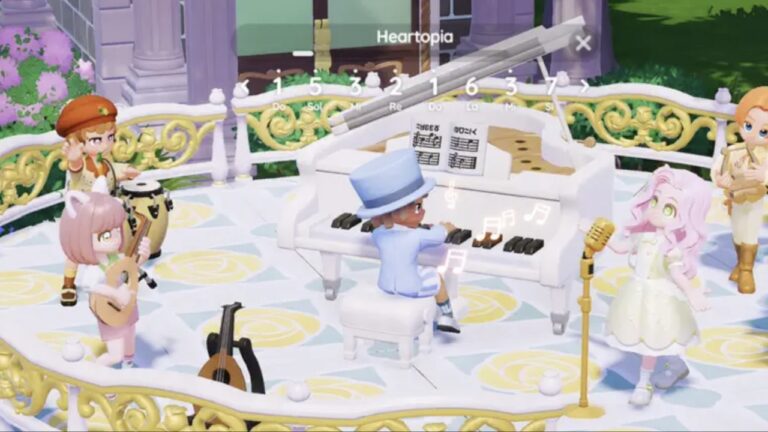

Teaming up and playing with others is always more fun, but is Heartopia Multiplayer? This guide walks you through how to add friends and how to get the required currency to add someone.
Start playing Heartopia via the App Store. For more posts covering this cozy game, find out how the Heartopia Banner System works and redeem all of the Heartopia Codes for some freebies.
Table of Contents
Is Heartopia Multiplayer?
Yes! Heartopia is a multiplayer game, which means you can add friends to play with them. This is perfect if you know people who want to play, and you want to have a cosy gaming session with them.
How to Add Friends
If you want to add someone, click Tab to open your watch, then click on the Friendship Journal App. Then, select the search icon from the bottom left-hand side of your screen, and insert a friend code. You can add a message if you’d like, but if not, pay 1 Wishing Star to send the request.
Struggling to find your friend code? Don’t worry! Open your watch again, then click on your profile picture. This will open your player profile, and you will be able to find your code.
Wishing Stars
You may have noticed that you need to use in-game currency to send a friend request. Getting it is simple, as the best way is to simply complete quests and requests in the game. If you’re still struggling, you do have the option to purchase more with real money, but this isn’t recommended, as it’s easy enough to obtain.
Frequently Asked Questions
No, only the person sending the friend request will need to pay a Wishing Star.
You can visit each other’s servers and interact with each other! I love playing with friends while being on a call with them, as it’s a fun way to virtually hang out.
You may find someone while playing that you get on well with, and you can easily add them by selecting their profile or clicking the bubble on top of their head.